Annotate
Highlight text, draw with ink, add shapes, notes, and stamps.
DartPDF
Open a PDF, mark it up, run OCR on scanned pages, fill forms, sign, redact, compare, and make small text or image edits. DartPDF runs on desktop, mobile, and web, and your documents stay on your device unless you choose to share them.
Free and open source. No account. No uploads.
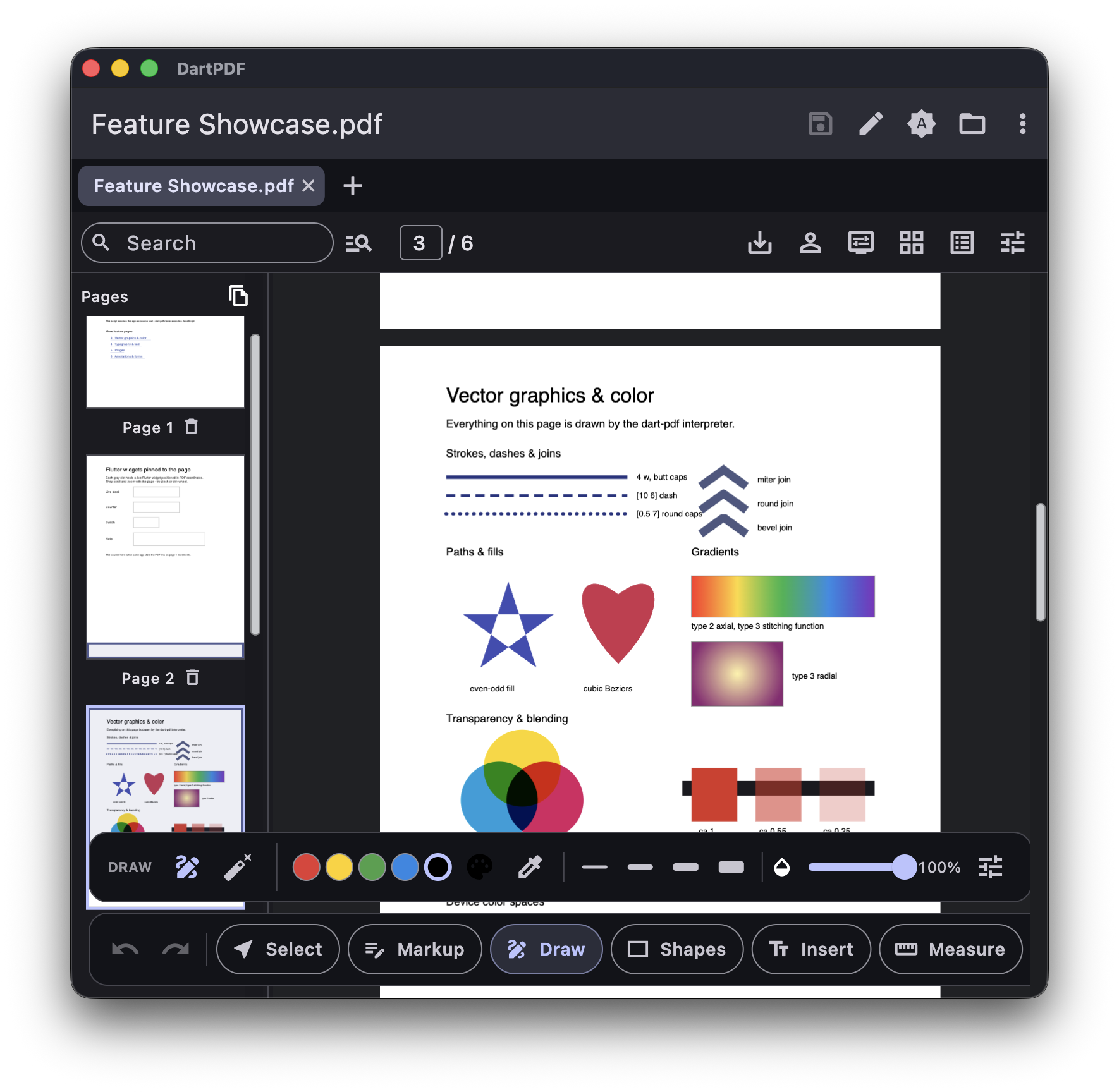
One app for your PDFs
Tools
Mark up a file, run OCR, fill forms, move pages, compare versions, or fix a small mistake without sending the PDF to a server.
Highlight text, draw with ink, add shapes, notes, and stamps.
Fill existing fields or add new text fields, checkboxes, and buttons.
Place a drawn signature, or add a certificate-backed digital signature.
Remove sensitive text and images from the file, not just from view.
Fix small text runs or drop in images without rebuilding the file.
Reorder, delete, split, and export pages to a new file.
Search selectable text and copy it from the page.
Turn scanned pages into searchable, selectable PDFs.
Check two versions side by side.
Unlock password-protected PDFs.
Privacy
DartPDF has no servers, analytics, or ads. It works with files locally, including OCR, and shares a document only when you choose a destination.
Read the privacy policyDownload
We'll show the best downloads for this device. Every other platform is still one tap away.
Free and open source. Other builds (.zip, .tar.gz) on
GitHub
Releases.
Developers
The engine uses Dart instead of PDFium or native bindings, so it runs anywhere Dart and Flutter do. The packages are Apache-2.0 licensed and published on pub.dev. Read the Flutter PDF editor overview for benchmarks and a comparison with commercial SDKs.